
Pokémon Pokopia added Portal Pods with its 2.0.0 update, and they solve one of the game's most persistent headaches: running out of accessible  storage mid-session. Think of them as the Pokopia equivalent of Minecraft's Ender Chest. Each Portal Pod holds up to 140 stacks of items, and any Portal Pod you interact with anywhere in the world taps into that same shared inventory. Place one at your base, one in the field, and your items follow you everywhere.
There are two ways to get one: find the free copy hidden in Bubbly Basin, or unlock the crafting recipe by progressing through Palette Town. Here's exactly how both work.
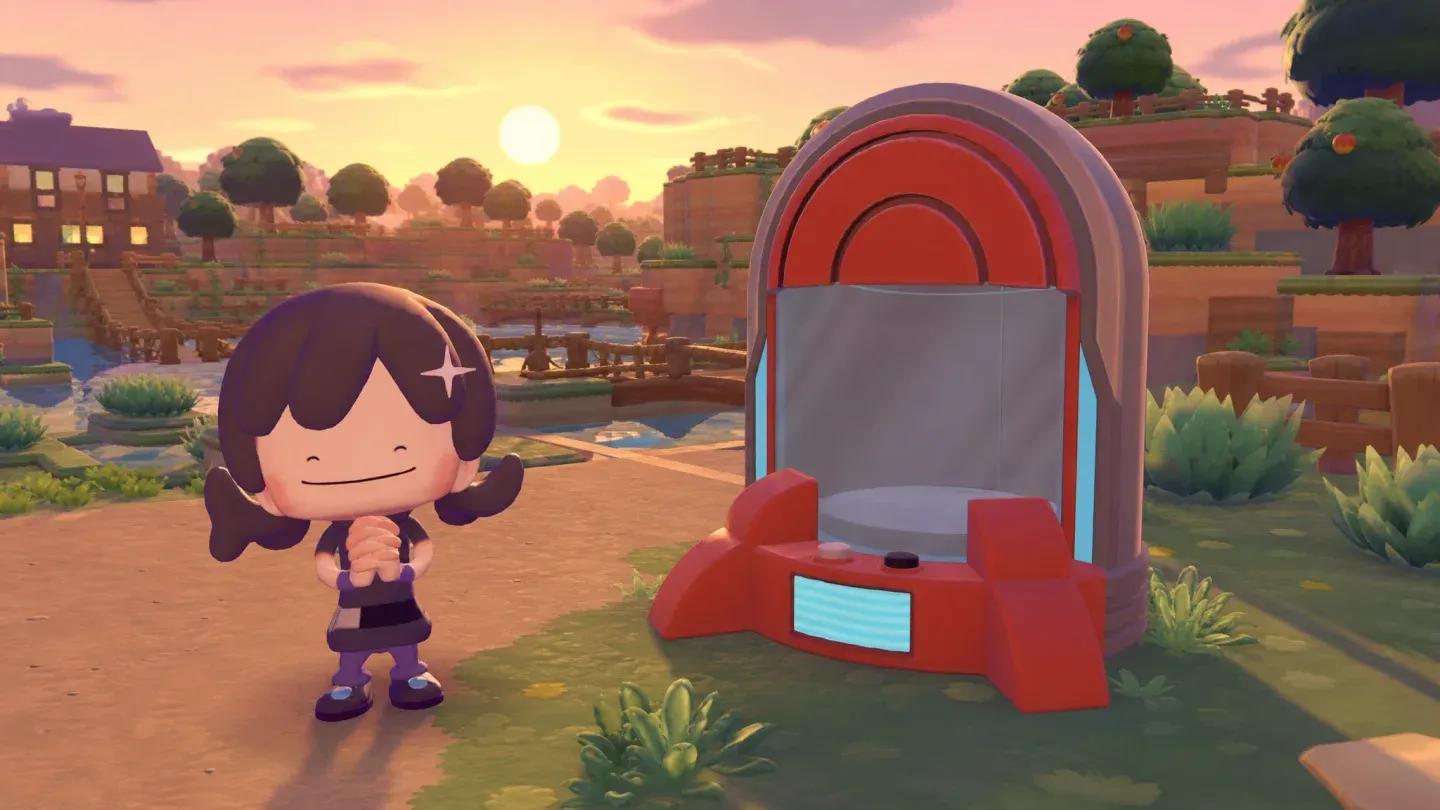 Portal Pod holds 140 item stacks
Where to find the free Portal Pod in Bubbly Basin
The quickest way to get your first Portal Pod requires the Expansion Pass and access to Bubbly Basin. If you have both, this is the route to take before spending anything on crafting.
From the Bubbly Basin entrance, move past the opening area where  Popplio first guides you. Rather than swimming underwater the whole way, use Surf to travel above the
  water's surface. Head past the ornate building that pokes above the waterline, and aim for the island directly behind it.
water with Surf is faster than diving through the underwater sections. Save the diving for when you reach the island.Once you reach that island, dive beneath the surface and enter the building. Inside, you'll find a Portal Pod that can be collected using Rock Smash. There's a second one at the bottom of the stairs at the back of the building, sitting inside a Poké Ball. That gives you two Portal Pods from a single trip.
How to get more Portal Pods after the first two
Two Portal Pods is a solid start, but you'll likely want more as your base and travel routes expand. There are two methods to duplicate them without crafting.
First, once you have a Portal Pod in hand, head to the 3D  printer inside a rebuilt Pokémon Center. Take a picture of the Portal Pod, and you can print as many copies as you want from that point forward. If you haven't rebuilt yours yet, check out the Pokémon Pokopia guide on rebuilding the Pokémon Center to get that structure up and running.
Second, if a friend has a Portal Pod on their island, you can travel there and photograph theirs instead. The same applies to any Cloud Island you visit. Either way, the photo is what unlocks the print option, so the source doesn't matter.
printer method only works after the Pokémon Center has been rebuilt. If yours isn't ready yet, the Bubbly Basin find is your only immediate option.How to unlock the Portal Pod crafting recipe
Crafting a Portal Pod from scratch is the alternative path, and it doesn't require the Expansion Pass. The catch is that it takes longer to unlock.
Palette Town is where the recipe comes from. This separate area functions as a blank building canvas where you can encounter Pokémon not found in the four main towns or in Bubbly Basin. As you  build and develop Palette Town, your environment level increases, and leveling it up enough after the 2.0.0 update rewards you with the Portal Pod recipe.
The crafting route is described as the cheapest option long-term since you skip the 3D printer's material costs entirely. If you're patient and already working through Palette Town progression, it's worth holding out for the recipe rather than spending resources on printing.
build consistently and check your rewards as you progress.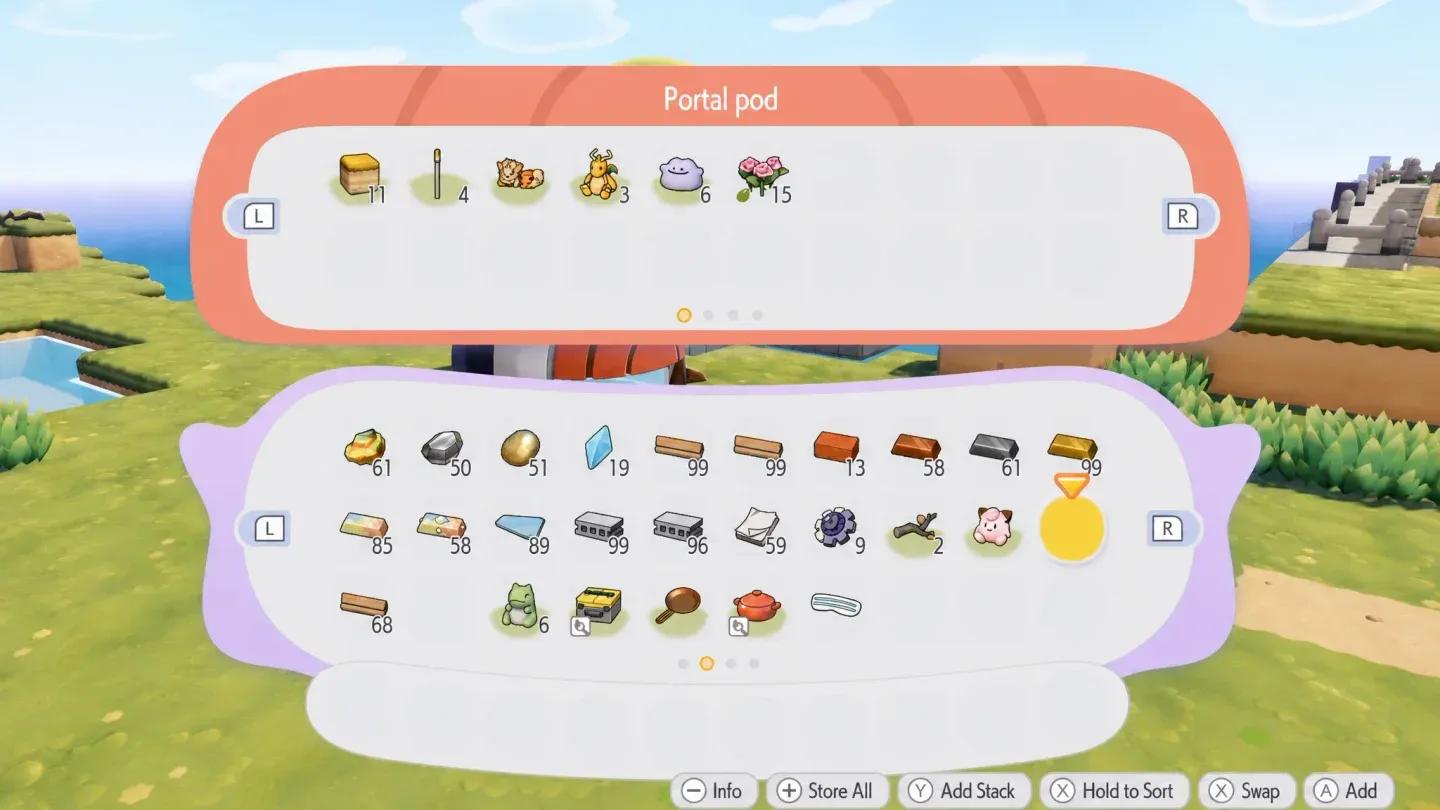 Palette Town unlocks the recipe
What makes Portal Pods worth the effort?
The 140-stack shared inventory is the headline, but the real value is the flexibility. Once you have Portal Pods placed at multiple locations, you stop making trips back to base just to deposit materials. Combined with smart fast travel options in Pokémon Pokopia, Portal Pods cut out a significant chunk of the back-and-forth that slows down building sessions.
For players deep into crafting, having access to your full material stockpile from anywhere on the island changes how you plan builds. You can  gather resources in one area and immediately start constructing in another without ever unloading at a chest first.
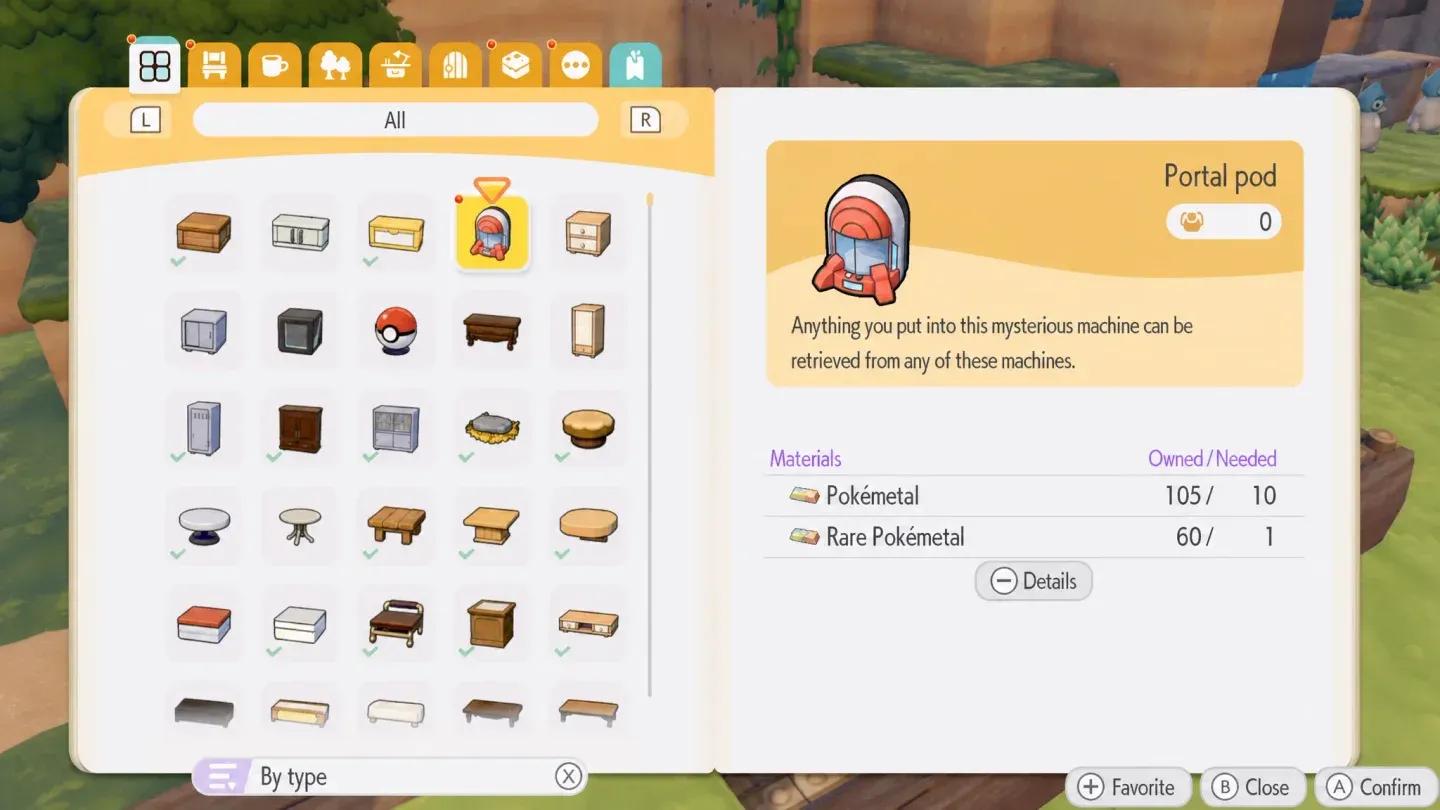 Place Portal Pods at every base
If you're still building out your island and figuring out which materials to prioritize, the best items to buy first in Pokémon Pokopia is a good starting point before committing your resources. For everything else the game has to offer, the full Pokémon Pokopia strategy guides collection covers crafting, building, and exploration in detail.