
So you've rebuilt your first Pokémon Center and spotted that funky machine on the left. Yeah it looks like a straight up 3D printer and it basically is. Snap a photo of any furniture or decor you like and turn it into copies without hunting recipes or grinding materials. This is the shortcut that makes building your Pokopia paradise way less frustrating.
Unlocking the 3D Printer
You unlock it by completing the Yawn Up a Storm request in the Withered Wastelands. Raise the humidity so Onix can get free from that cave then have him lead the build crew. Wait for the daily reset and boom the center finishes. The printer sits right there on the left in every Pokémon Center after that.
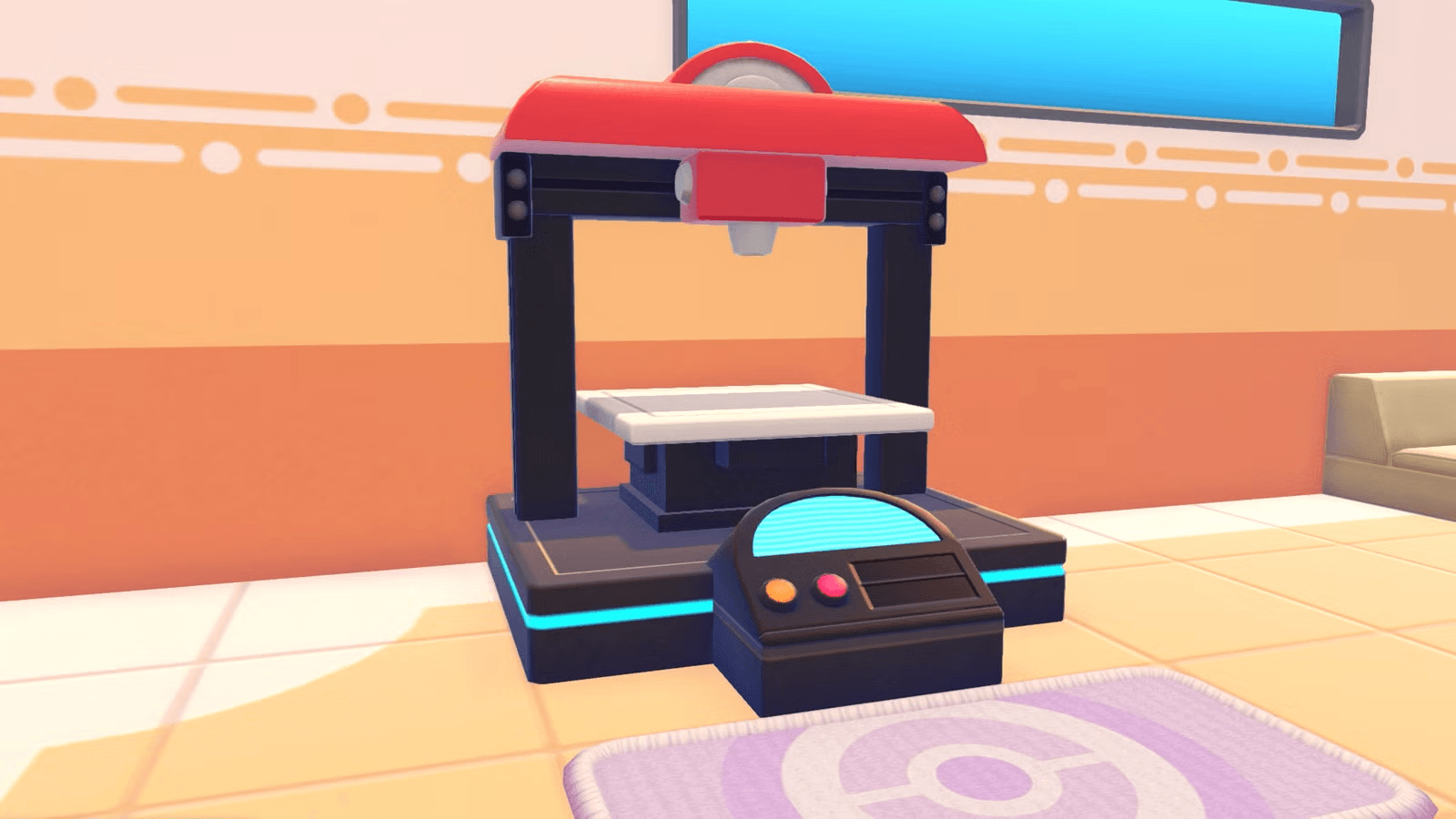
Interact with it anytime you have reference photos and Pokémetal ready. No daily limit just stock up on metal first because rarer stuff eats more of it.
Mastering Reference Photos and Advanced Camera Techniques
Building on that printer access this is where good photos make everything click. Open the camera with the Minus button then hit Y to switch straight into Reference Mode. Your view labels items with their exact names so you know you're snapping the right thing.
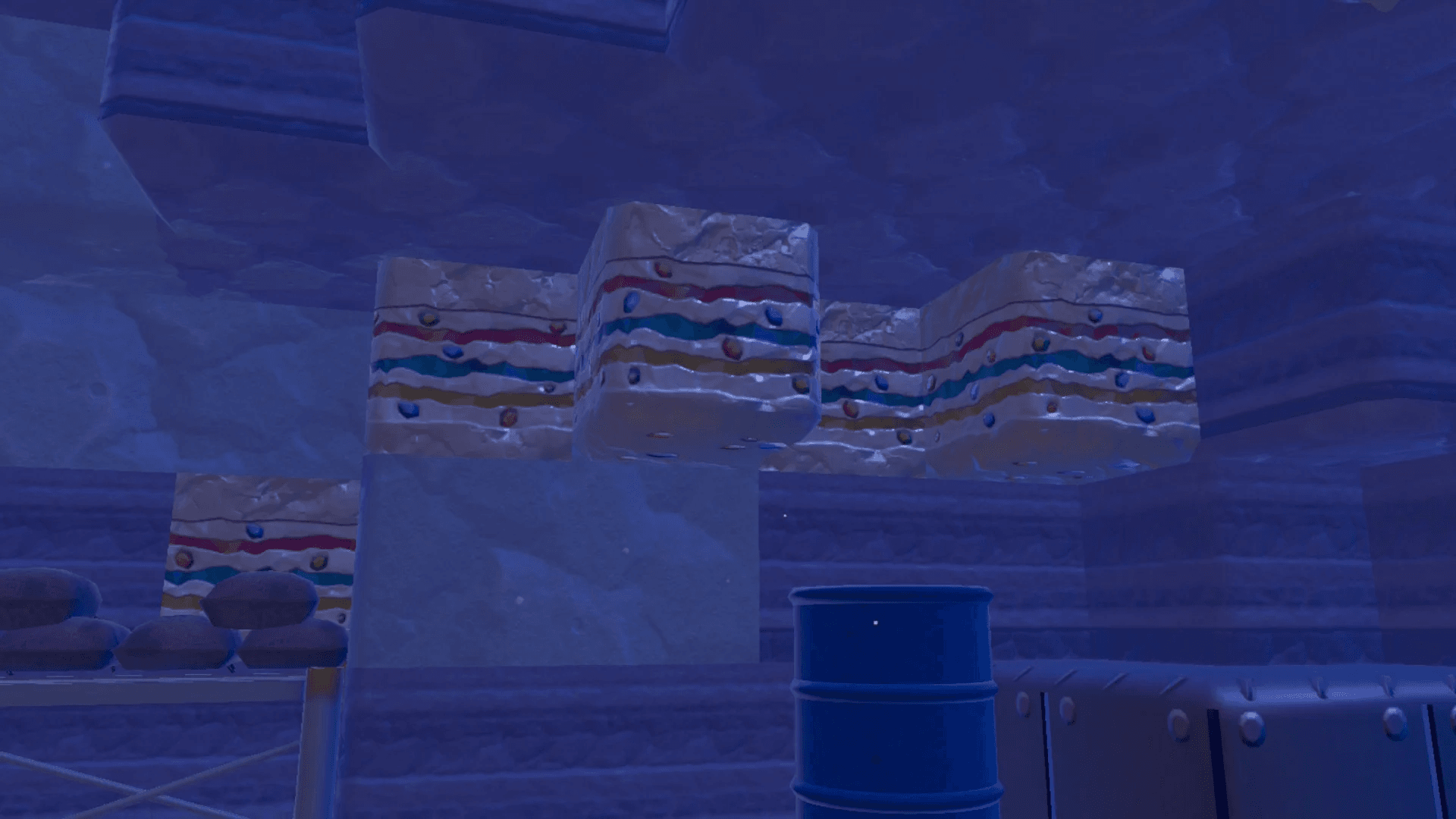
Aim close and centered for clean recognition. The photos go into a separate Reference album that holds only 20 slots so delete old ones right after you print to keep space free. This is exactly why the last tip matters you do not want to run out mid island hop.
For the advanced stuff buy a tripod from the PC shop and switch to it by tapping Y twice. It locks the camera in place so you can step back and grab distant or awkward angles without shaky hands. Head to friend islands or Dream Islands like the dev one for items you have not unlocked yet berry trees unique fountains all fair game. Snap them there and bring the refs home. You can even use security cameras for remote scouting before you travel.
Filters and poses are fun for memories but stick to plain reference mode for printer work it just works better.
Best Items to Duplicate and Why They Matter
This is exactly why the photo techniques matter now you know what to target. Do not blow metal on stuff you can craft cheap early. Save it for the items that speed up habitats comfort levels or farming big time.
Here is a quick scan of the winners:
| Item | Why Duplicate It | Pokémetal Cost Tip |
|---|---|---|
| Gravestone | Unlocks rare dark habitats fast | Medium regular ingots |
| Unique patterned furniture (closets shelves) | Cool styles without hunting resources | Varies low for small pieces |
| Berry Trees | Instant farming setups from Dream Islands | Low great for multiples |
| Horsea Fountain | Boosts water habitats and comfort | Sometimes needs rare Pokémetal |
| Fossils or relics | Collection fillers or special builds | Higher but worth it late game |
Grab these from other islands when you visit and the printer handles the rest. Rarer ones cost more so stock ingots from caves or Dream Islands first.
Smart Printing Strategies to Save Metal
Let the printer solve your problem but play it smart. Print multiples in one go if you know you need a bunch for a big habitat. Always smelt fragments into ingots before you head to the center. Early game yeah metal feels scarce so hold off until you have steady caves or Drifloon rides to Dream Islands.
One wrong move with rare Pokémetal stings so test cheap items first to get the feel. Combine this with your reference album management and you will be decorating like a champ without the usual rage.
Wrapping It Up
There you go the full 3D Printer mastery loop. Snap smart print smart and watch your Pokopia fill up way faster than grinding ever could. Go hit those Dream Islands grab some wild refs and turn your builds into something special. You got this now get out there and make it cozy.