
If you've just started Pokémon Pokopia and finally got a few moves under your belt, buckle up because multiplayer flips the whole vibe. Palette Town is the spot where you and your squad actually build together, trade resources, and turn that sandbox into something epic without anyone raging over locked progress.
Unlocking Palette Town So You Can Actually Play Together
You can't just waltz into co-op paradise right away, but the steps are straightforward once you hit early story beats. First grab Rock Smash from befriending Hitmonchan in the Withered Wasteland area. Head to the western beach near the Pokémon Center and help Squirtle knock down that rock wall blocking the cave path. Once the bridge to the distant land shows up, use Rock Smash on soil blocks, then Stockpile to place them and repair the broken section. Cross over and boom, you're in Palette Town.
This is exactly why the early grind matters. Palette Town is the only place where full co-op building and trading happen without spectator restrictions, plus it's where GameShare works if your friends don't own the game. Pro tip: the game warns you to level up your knowledge first, but you can dip in early for light exploring.
Inviting Your Squad Via Link Play
Once you're in Palette Town, every Pokémon Center PC becomes your co-op hub. Hit the bottom-left Link Play tile (it unlocks after Environment Level 2 in Withered Wasteland). Pick "Invite Others to Visit," set the player count up to 4, and grab that Link Code. Share it with your buddies and they just punch it in on their own PC to warp over.
You can also walk the repaired bridge together for local sessions. This is where things get fun: visitors spawn right in and you all share the same world. Toggle Spectator Mode off at the PC if you want full access, otherwise it's just sightseeing. Building on those basics we just covered, this invite system is what lets you turn Palette Town into a group project instead of one-person chores.
Shared Building in Palette Town: Terraform, Craft, and Actually Progress Together
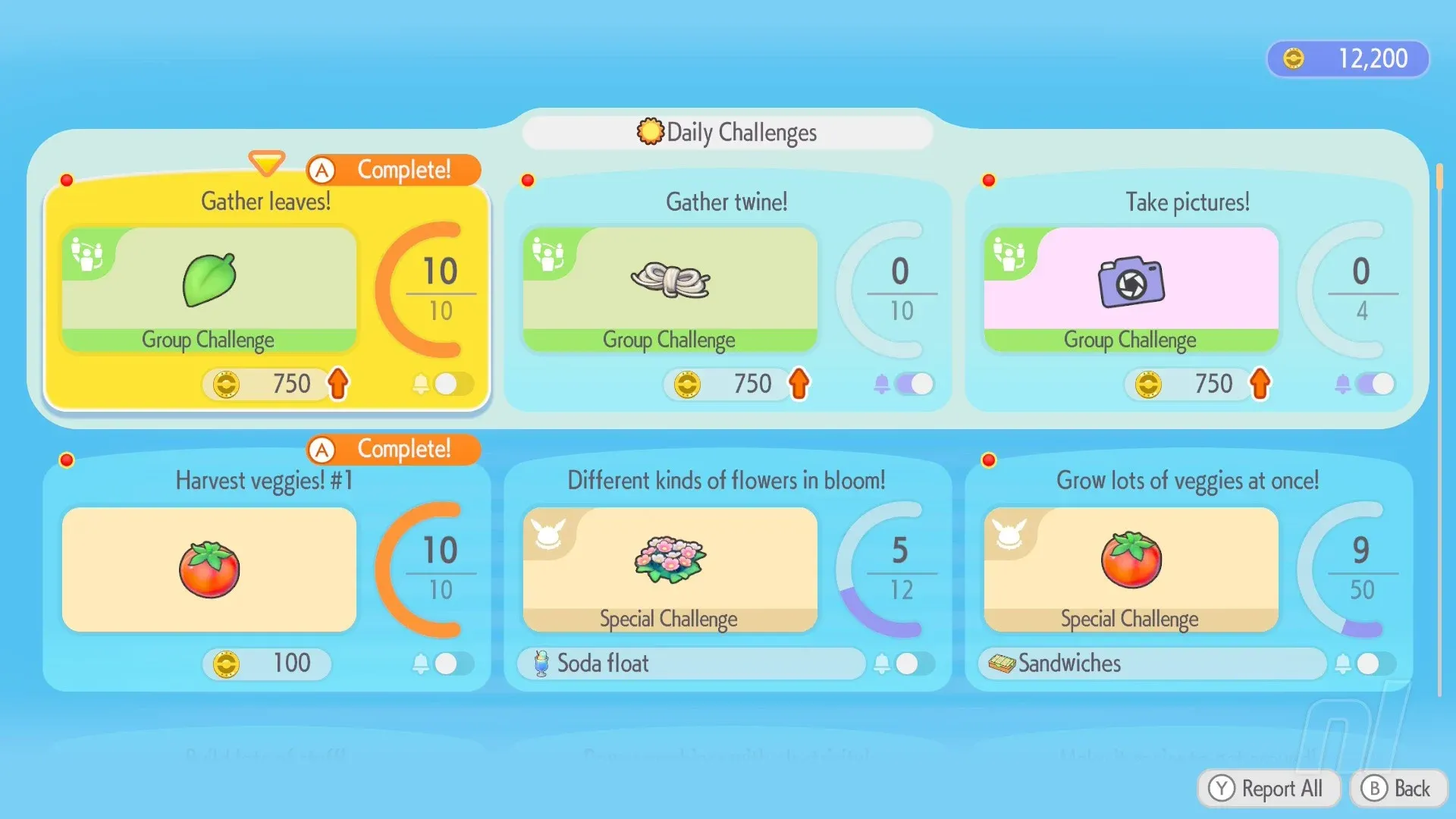
This is the heart of co-op and why you bothered unlocking the place. In Palette Town everyone has full moves, items, and crafting recipes. Gather materials, terraform the land, slap down habitats, and craft furniture side by side. Changes stick around for everyone, and group challenges pop up whenever a visitor joins, giving extra rewards.
Unlike visiting main story islands (where you're stuck in spectator and can't touch anything), here you all contribute to the same island. One friend mines while another plants crops, third handles crafting. So scroll down because next we're fixing the resource grind exactly with trading.
Setting Up Trading Markets So Everyone Gets Rare Stuff Fast
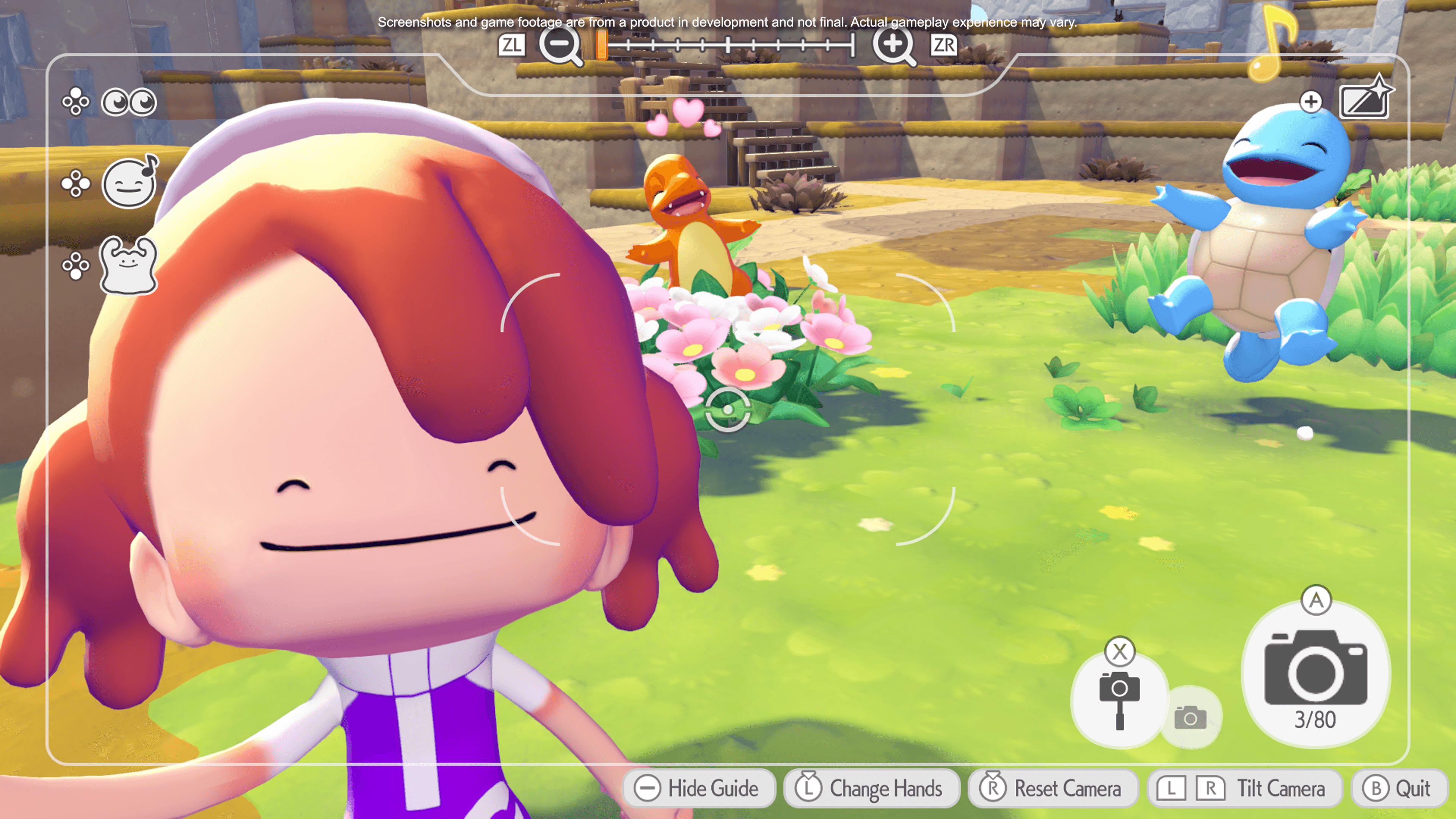
Trading in Palette Town is a game-changer for co-op because you build shared markets that anyone in the session can use. Grab a table (or two for bigger stalls), craft a cash register (buy the recipe for 100 coins at any Pokémon Center shop), and hook it up to power with utility poles and a generator. Place the register on the table and you're set.
Befriend Pokémon with the Trade Specialty (Audino is a solid early one) and they'll staff the register, offering items, recipes, and resources in exchange for your goods. In co-op your friends can help stock the shop, attract more traders, and buy from it too. Visitors from other sessions can even hit your daily shop for fresh stock. This is exactly why the last tip matters: shared building lets you scale these markets way bigger than solo, so no more hunting rare materials alone.
| Item Needed | How to Get | Why It Matters in Co-op |
|---|---|---|
| Table | Basic crafting recipe | Base for your stall |
| Cash Register | 100 coins at shop | Lets Trade Pokémon run sales |
| Utility Poles + Generator | Unlock power recipes | Keeps the register running 24/7 |
| Trade Specialty Pokémon | Befriend Audino or similar | They handle actual trades for you |
Cloud Islands: Keep Building Even When Friends Log Off
For those times your crew can't stay online the whole session, switch to Cloud Islands from the Link Play menu. Host one, share the nine-digit code, and everyone builds on a blank slate that stays live forever. You keep recipes and habitats you unlock, though Pokémon don't register to your main Pokédex. It's perfect for relaxed group sessions without worrying about the host's schedule.
This flows right from Palette Town trading because you can copy successful market setups here too. One Cloud Island per host, but you can hop in and out freely.
GameShare Tricks for Buddies Who Don't Own the Game
If someone in your group skipped buying Pokopia, head to the Palette Town PC and pick GameShare. Only the host needs the full copy, and guests on Switch 1 or 2 can join for free. It's limited to 2 players and no full crafting or kits, but you still get habitats, blocks, and meeting new Pokémon together.
This is the ultimate low-barrier way to drag friends in for trading runs and shared building without extra purchases. Just remember it's Palette Town only, no story progress for guests.
Wrapping It Up
There you go, everything you need to turn Pokémon Pokopia from a chill solo rebuild into a proper squad hangout. Hit Palette Town, invite the crew, slap together some markets, and watch your island blow up with shared chaos and trades. Yeah the first invite code share might feel clunky, but once everyone's in it clicks fast and the co-op high hits different. Go grab your friends, start building, and have a blast. You got this.