
Large Boulder Rocks are one of the bigger environmental objects players will encounter in Pokémon Pokopia. Unlike most decorations and terrain objects, these rocks come with several limitations that can make them confusing to use at first.
Players can place them around their island, build habitats near them, or remove them to clear space. However, the process for making, moving, or destroying Large Boulder Rocks is not immediately obvious.
This guide explains exactly how Large Boulder Rocks work in Pokémon Pokopia and the different ways players can interact with them.
How to Make Large Boulder Rocks
Large Boulder Rocks cannot be crafted normally in Pokémon Pokopia. Instead, players need to duplicate them using the 3D Printer inside a Pokémon Center.
Before this becomes available, players must first rebuild at least one Pokémon Center somewhere on the map. Once the Pokémon Center is active, the 3D Printer can be used to create objects that have been photographed.
To create a Large Boulder Rock, players must first capture a reference photo of one.
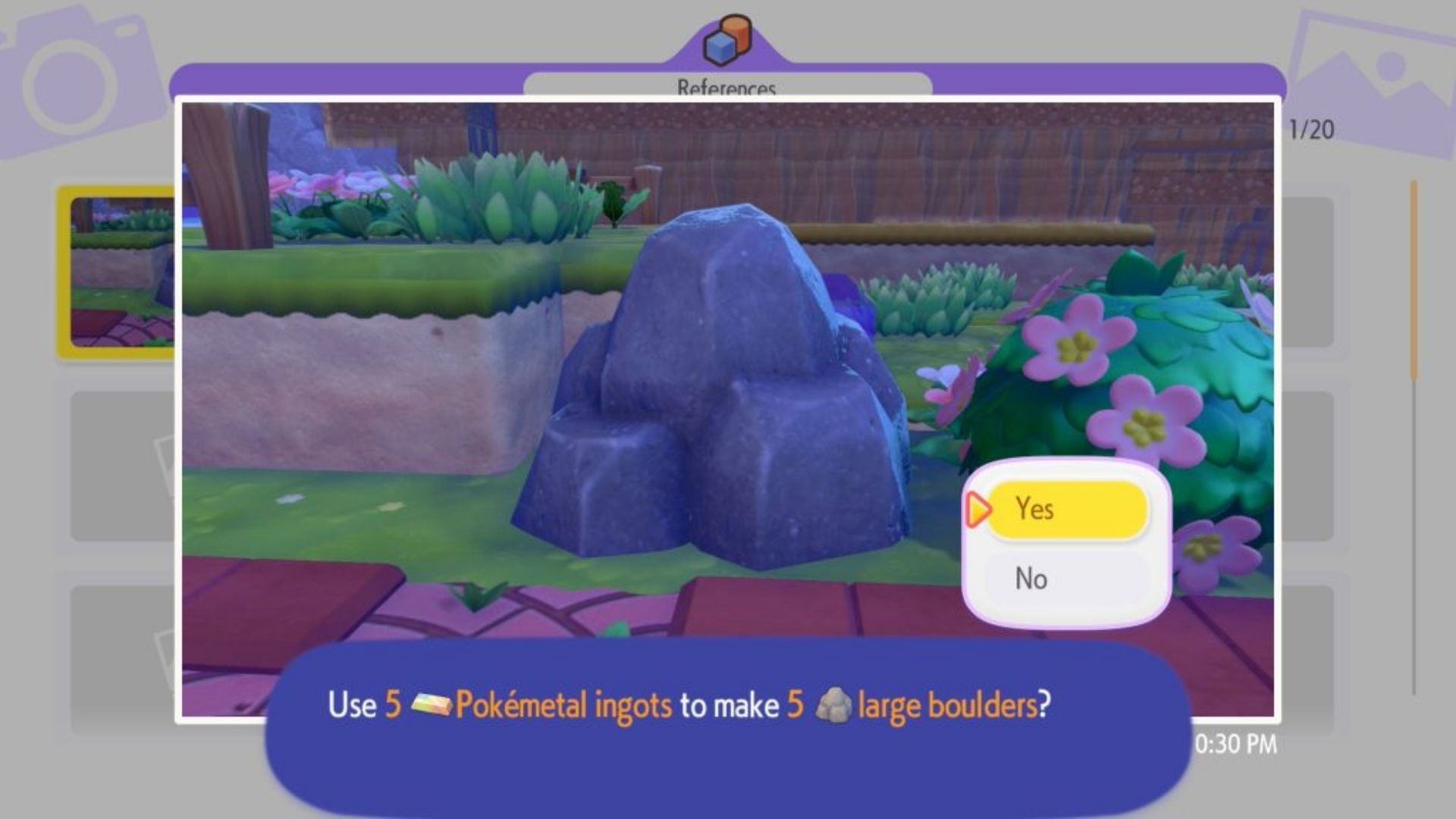
Open the camera using the “-” button on the Nintendo Switch controller, then press “Y” to enter reference photo mode. While in this mode, take a picture of a Large Boulder Rock. The object will be labeled through the camera interface.
After taking the photo, return to the Pokémon Center and interact with the 3D Printer. The rock will appear in the list of captured objects. Players can then exchange the required amount of Pokémetal to print a Large Boulder Rock.
Once printed, the rock is added to the player’s inventory and can be placed like other decorative objects. However, once placed, Large Boulder Rocks cannot be picked up again normally, so it’s best to decide the placement carefully.
How to Move Large Boulder Rocks
Moving Large Boulder Rocks in Pokémon Pokopia is possible, but the options are limited. There are currently two main methods players can use.
The first method involves learning the Strength ability from Machoke in Rocky Ridges. Once Strength is unlocked, players can push Large Boulder Rocks by holding the “A” button and moving in a direction.
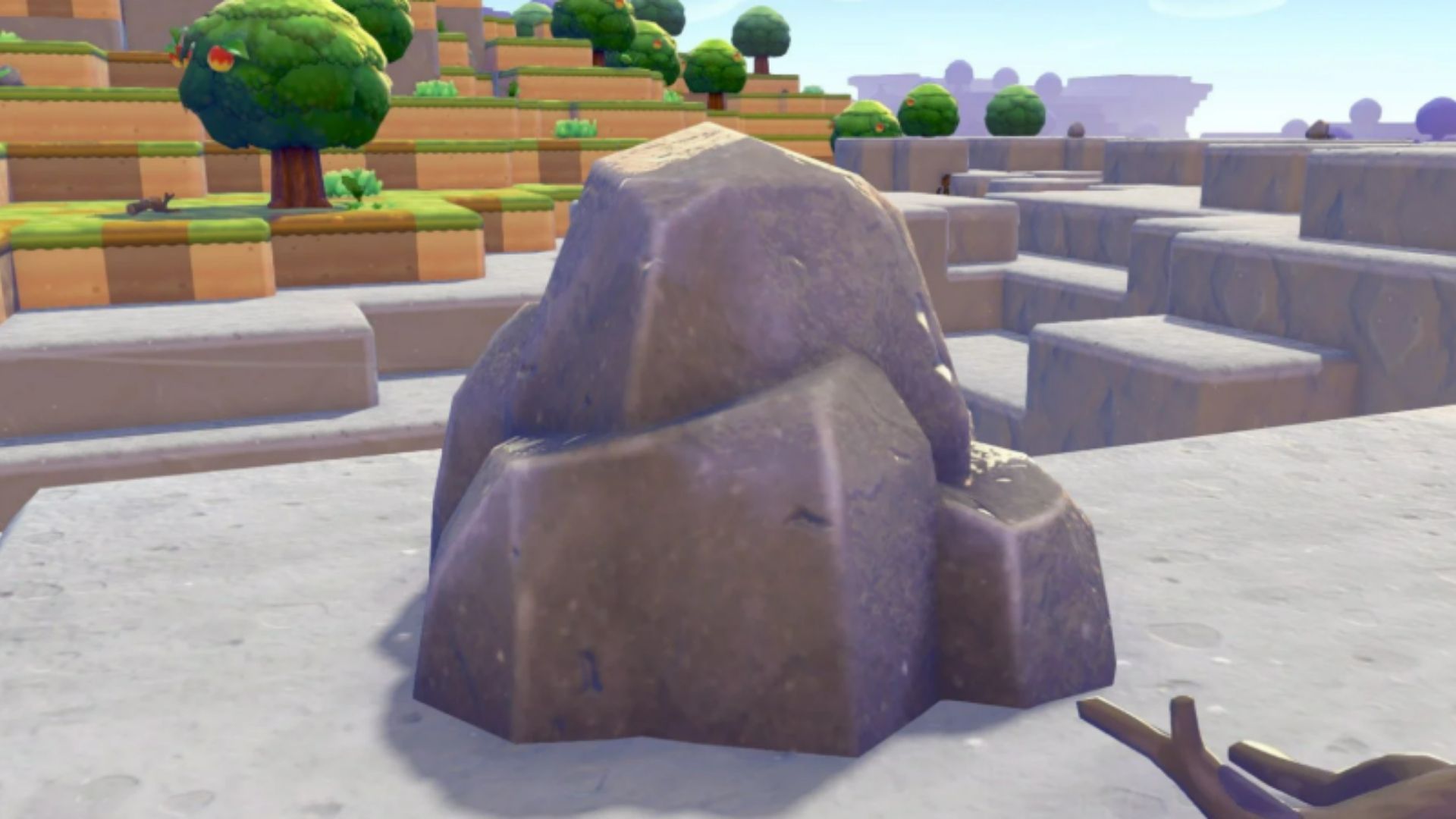
This allows players to reposition the rock slightly, but the movement is restricted. Rocks can only be pushed along the ground and cannot be freely rotated or placed exactly where players might want them.
The second method becomes available much later in the game through Magnemite’s Transform ability using Magnet Rise. This ability provides far more precise object control, allowing players to hover and reposition objects more accurately.
However, Magnet Rise is unlocked only during the post-game after completing the Team Initiation Challenge, making it a late-game solution for advanced building and terraforming.
How to Destroy Large Boulder Rocks
If players want to completely remove a Large Boulder Rock, they cannot rely on the standard Rock Smash ability.
Instead, they must first upgrade Rock Smash using buffs obtained through cooking.
After reaching Rocky Ridges and rescuing Chef Dente, players unlock the cooking system. Among the early recipes are burgers, which temporarily enhance Ditto’s Rock Smash ability.
With the upgraded Rock Smash active, players can break tougher environmental objects, including:
- Iron Ore blocks
- Gold Ore blocks
- Large Boulder Rocks
- Lava Rocks
Once destroyed, the Large Boulder Rock does not drop another Boulder item. Instead, players receive a small amount of Stones as materials.
This means destroying the rock is mainly useful for clearing terrain or gathering resources, rather than relocating the object.
Final Tips for Using Large Boulder Rocks
Large Boulder Rocks are mostly used for environment design and habitat building in Pokémon Pokopia. Because they cannot be picked up after placement, players should plan their builds carefully before placing one.
Early in the game, players will mainly rely on Strength to push rocks around, while late-game players can use Magnet Rise for more accurate positioning. If space is needed, an upgraded Rock Smash can remove the rock entirely.
Understanding these mechanics makes it much easier to manage terrain and design better habitats across the Pokopia map.