
If you have been grinding your main island and feel like you are missing out on the big multiplayer vibes, Cloud Islands are exactly what you need. The Secret Developer Island takes it up a notch with pro builds you can actually steal ideas from and bring stuff home. No fluff, just the steps that work so you can get exploring right now.
Accessing Cloud Islands Basics
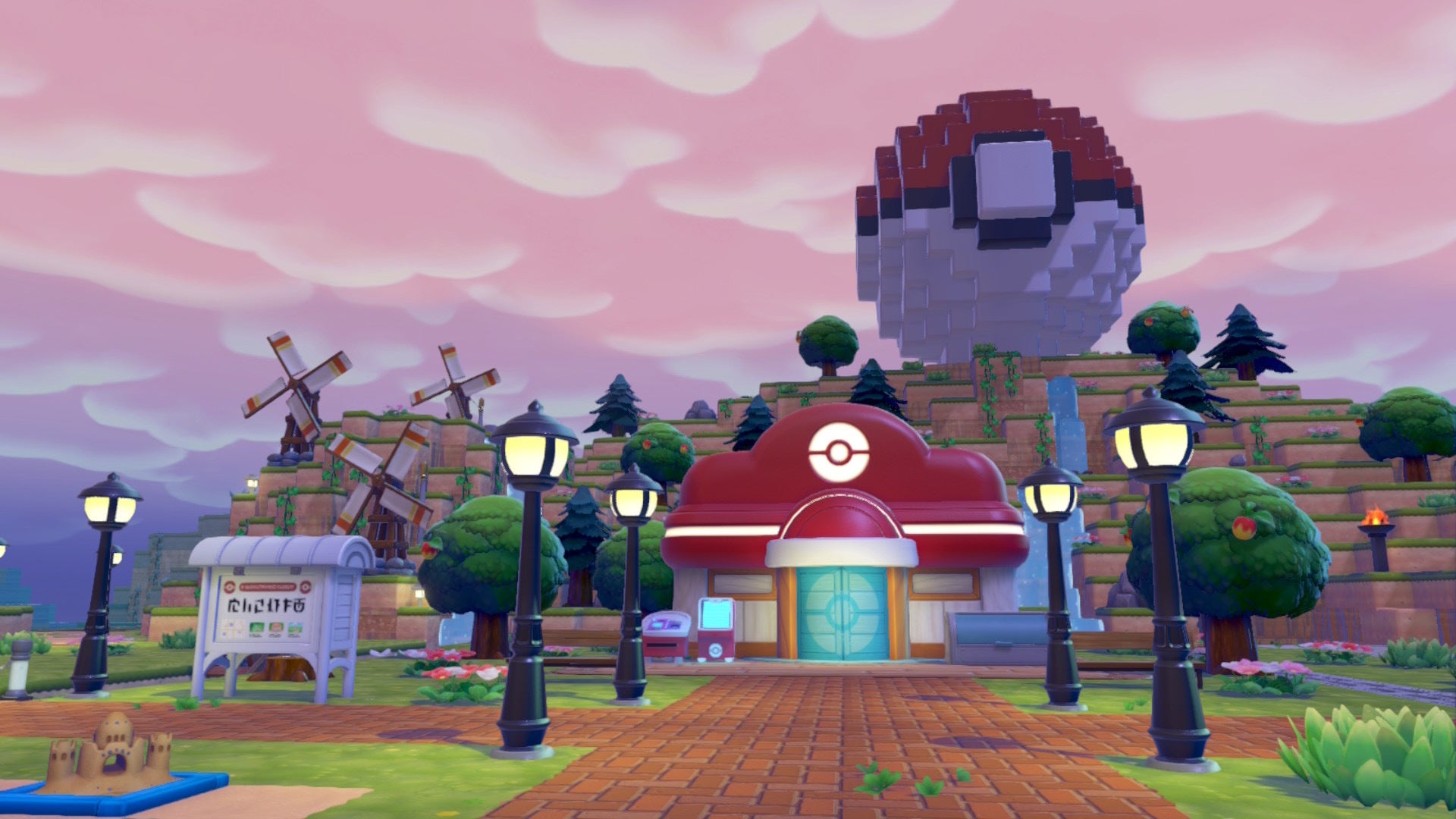
You have made it past the early story stuff and built your first Pokémon Center, right? Head to the PC right outside it and pick Link Play. From there choose Play on a Cloud Island. You can create your own fresh one, revisit old ones, or jump into someone else’s with their code.
Nintendo Switch Online is required for all this, so make sure that is sorted. When you create one you get to name it and tweak settings like letting friends join or locking it with a Link Code. Once you load in you can build, explore, and mess around without touching your main save.
To head back home just open your Pokédex menu with the + button and hit the - button for Go Back Home. Simple. This is your gateway to everything else, including that secret dev spot we are hitting next.
Unlocking the Secret Developer Island
Building on those basics we just covered, the Developer Island is a special Cloud Island the actual devs made themselves. You cannot just type the code into any old PC or you will get an error.
First buy the Mysterious Goggles from the PC Shop at any Pokémon Center. Equip them, then head back to Link Play. The goggles open up the code screen. Punch in PXQC G03S and you teleport straight there.
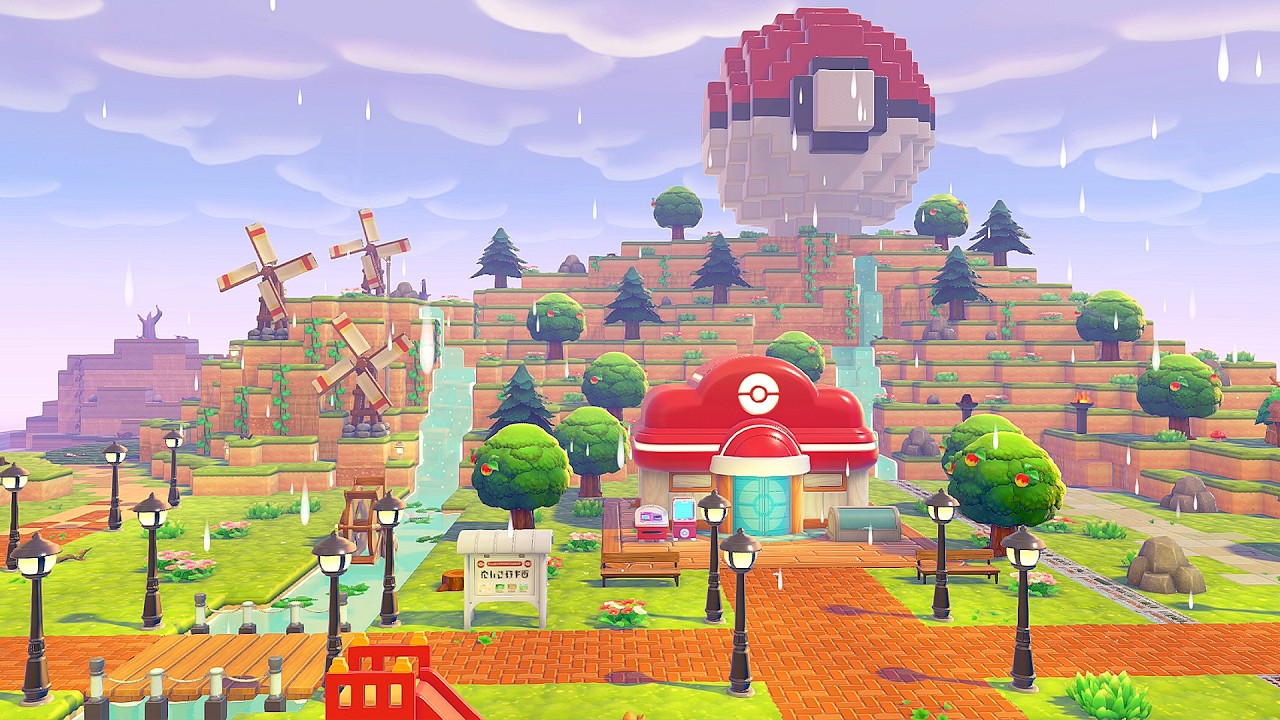
Yeah it feels a little hidden at first but once you are in you are free to roam the whole thing. This is the island the Chief Director and Art Director built, packed with ideas you will want to copy for your own world.
Exploring the Developer Island Like a Pro
This is exactly why the last tip matters. Run around and soak in the crazy builds. You will see the director’s ingenious machines and the art director’s ghoulish cool areas complete with Pokémon hanging out.
Keep your eyes open for hidden spots, like manholes that drop you into underground secret bases with extra decorations and mechanics. Late-game items and Pokémon are scattered everywhere too, so take your time scanning every corner.
One wrong move does not mean instant death here, just keep wandering because the devs left little surprises all over. Snap mental notes on habitats and layouts because this stuff will make your own island look next-level once you get home.
Snapping Photos and Copying Items with the 3D Printer
Scroll down because next we are fixing exactly that problem of not being able to bring stuff back. While you are on the Developer Island open your camera with the Minus button and press Y to switch to copy mode.
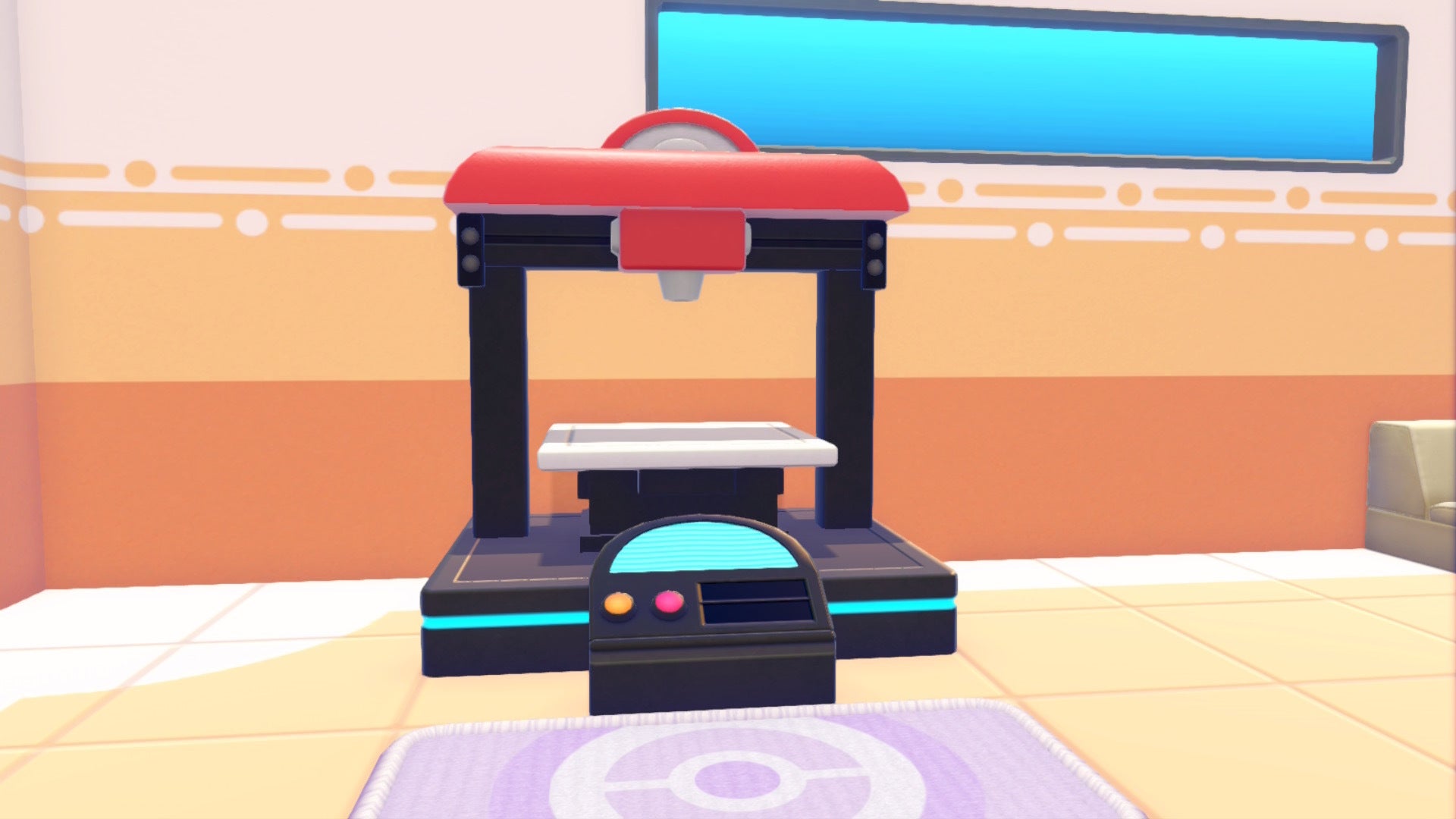
Hover over any furniture, decoration, or item and it will show the name. Snap the photo. Head back to your main world’s Pokémon Center and hit the 3D Printer on the left side. Pick the photo, pay the Pokémetal (rare stuff costs a bit more) and boom, you get an instant copy.
This works on late-game items and rare decorations you find here. It is how you finish your Habitat Dex and fill gaps without grinding forever. Not all upgrades carry equal weight but this trick definitely does.
Tips for Your Own Cloud Island Adventures
This ties right back to everything we covered. Once you have explored the dev island go create your own Cloud Island and recreate the builds you liked using the copied items.
Visit friends’ islands the same way for even more ideas. Remember you can set your island to public or private whenever. And if you are hunting specific Pokémon or materials, Cloud Islands have all the main areas unlocked so you can farm without messing up your story progress.
So here is the deal, treat these trips like scouting missions. You will level up your creativity way faster than grinding alone.
Wrapping It Up
You now have the full map to Cloud Islands and that secret Developer Island in Pokémon Pokopia. Grab the goggles, punch the code, explore every corner, and copy the good stuff home.
Your island is about to look pro as hell. Go have fun out there and make it your own paradise. You got this.